

Motion Graphics
Stream Overlays
Commission work for a streamer, that asked for old school VHS effects and aesthetics for his overlays.
Streamed on Twitch - Animations created in Adobe After Effects
[1920×1080px]
Starting Soon Screen
Opacity applied, so viewers can see the Streamers screen underneath.
Chatting Screen
The black screen with the white border shows the screen of the Streamer. Mostly used for showing Videos while they chat with their viewers or waiting in game queues.
Be Right Back/Pause Screen
Opacity applied, so viewers can see the Streamers screen underneath.
Border Animation
We made the Border as inconspicuous as possible, as not to distract from the game on screen. (As well as not to hurt anyone with photosensitive or epileptic issues, me included.)
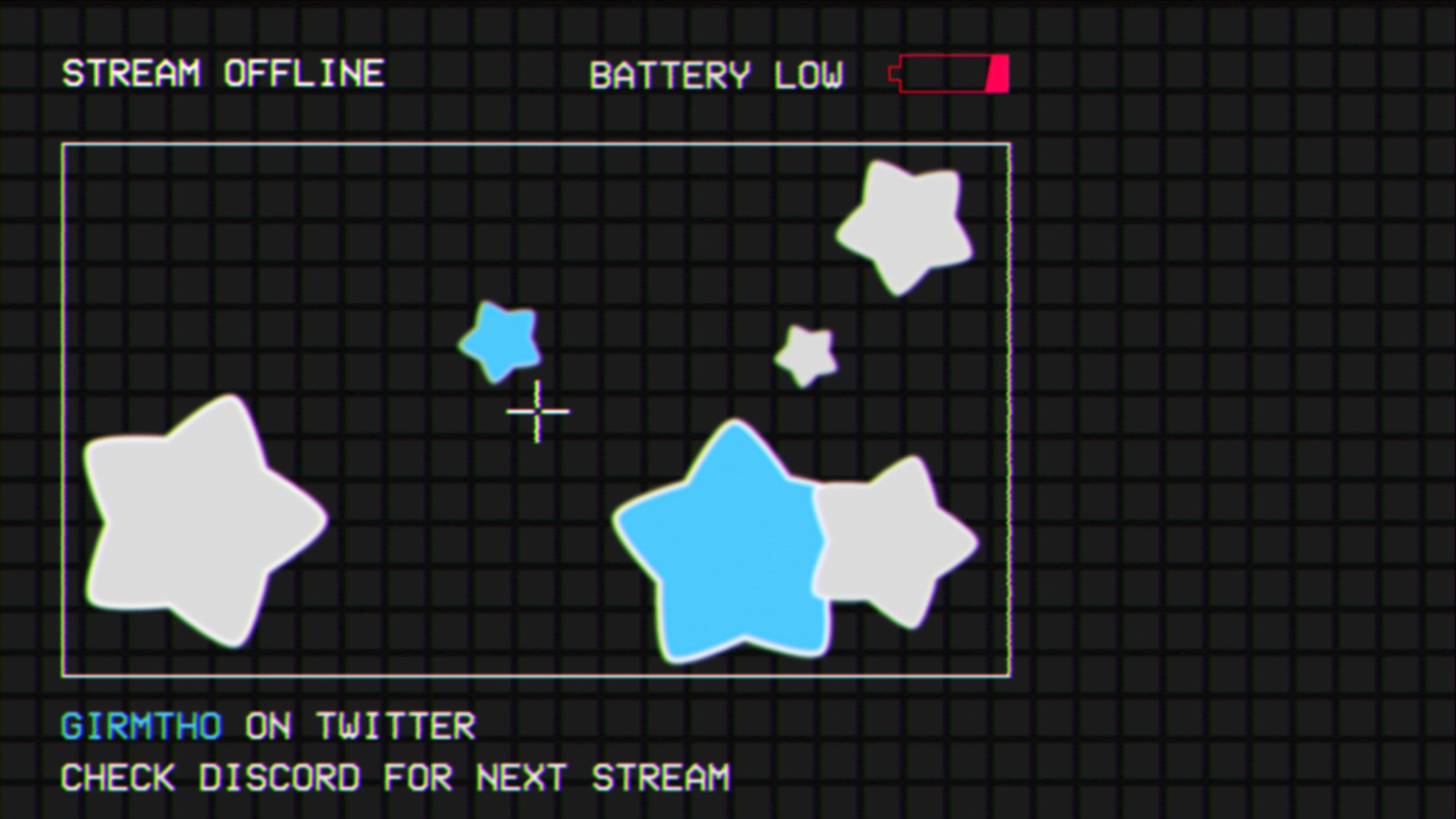
Offline Screen (not animated)
The Streamer wanted to stick to the aesthetic for the picture that shows up when he’s offline. We went with a Battery low idea to indicate he has no energy to stream at the moment.
Stream Ending Screen
Opacity applied, so viewers can see the Streamers screen underneath.
Background Animation
The Background Animation was made for the Chatting Screen, where the focus was on the streamer and the videos he shows while interacting with Chat. So we made the background slow and not distracting.